Software
WHDFetch
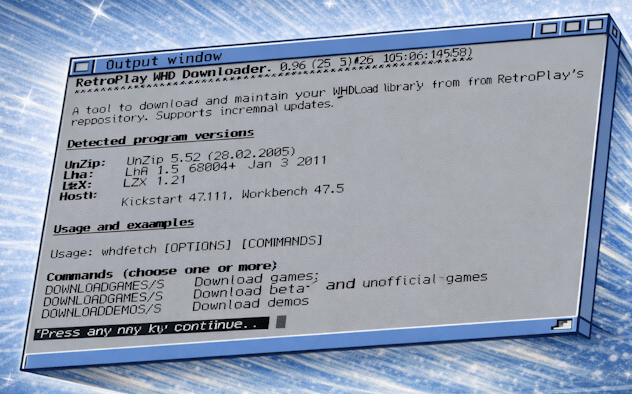
This program is designed to download and extract WHDLoad games and demos directly on your Amiga. With a reasonably fast internet connection, you can set up your collection and get up and running with minimal input. Just choose a few optional filters and tell it where you want the extracted archives to appear, and it will handle the rest. Run it again at a later date, and it will just download new and updated packs.
iTidy 2.0
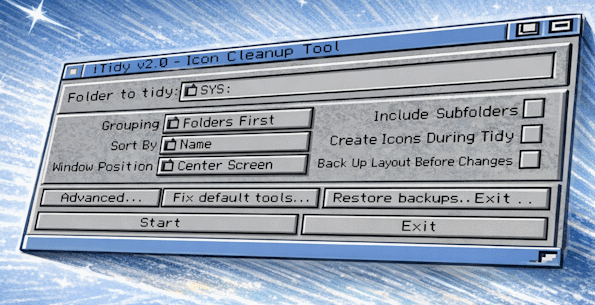
iTidy 2 was my first foray into making a Workbench app with ReAction-based controls. It does everything the original iTidy did, bringing a more refined interface and the ability to create real icons for files based on their file type. Picture files can have thumbnail icons created, and text files can have a mini render of the actual text file created as an icon, which is then tidied up.
iTidy 1.0 Classic
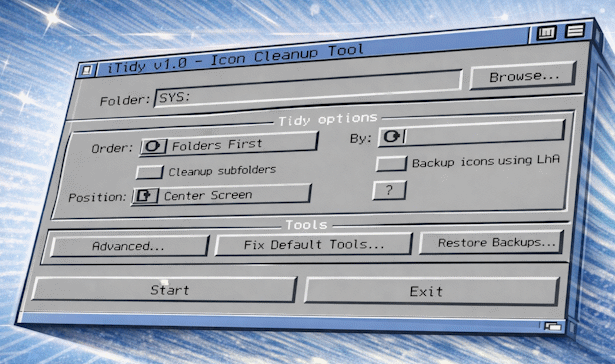
iTidy is designed to clear up messy folders on your Amiga. Primarily designed to clean up icon and window placement after extracting WHDLoad archives, it has since become a powerful tool for quickly tidying multiple folders, letting you customise layout, grouping, sorting, spacing, and window sizing in a repeatable way.
WHDArchiveExtractor
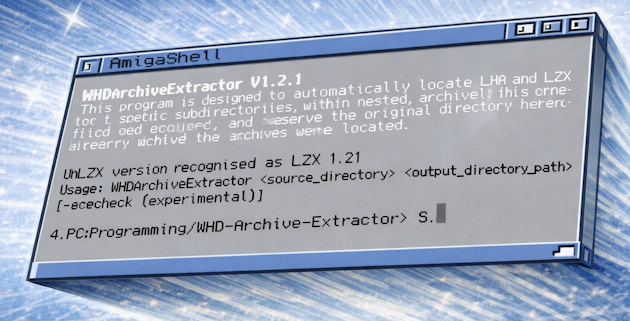
This was my first program, designed to extract archives I download on my PC using mrv2k's WHDLoad Download Tool. His brilliant tool downloads Retroplay's WHDLoad archives to a disk, which I then had to transfer to my Amiga and extract. His tool organises archives logically into folders, and I wanted a way to extract them without having to open each folder and manually extract them in Dopus, creating target folders as I went. Some archives fail to run when extracted in Windows due to issues with file names and attributes. WHDArchiveExtractor was my solution to this and my first Workbench program. This program is now superseded by WHDFetch.
IconSync
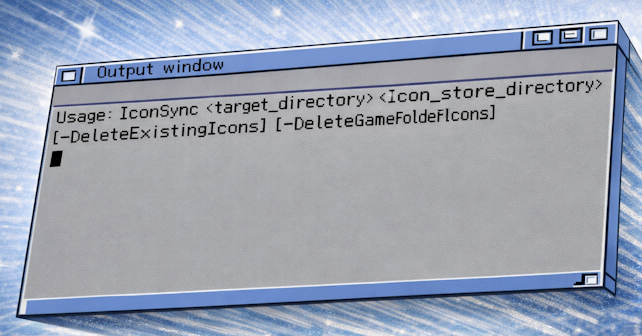
This tool is designed to copy set icons from a template folder to a folder and its subfolders that you choose. For example, if the folder contains a folder called "C" (and no icon), and your template folder contains an icon called "C.info", it will copy that icon over. It's designed to populate the folders with icons after WHDArchiveExtractor has been run. Originally, I had used iGame to launch my WHDLoad games, so the lack of icons wasn't a problem for me. This tool was created at the request of a user.
Latest from the bench
Bringing back my Amiga 500+ from the Varta grave
A short repair write-up covering battery damage, trace fixes, and getting the RTC working again.