| Name | IconSync |
|---|---|
| Interface | CLI |
| Requirements | AmigaOS 2.0.4 or newer and a user-provided icon source folder containing .info files |
| Status | A focused utility for visual consistency in extracted folder trees |
Overview
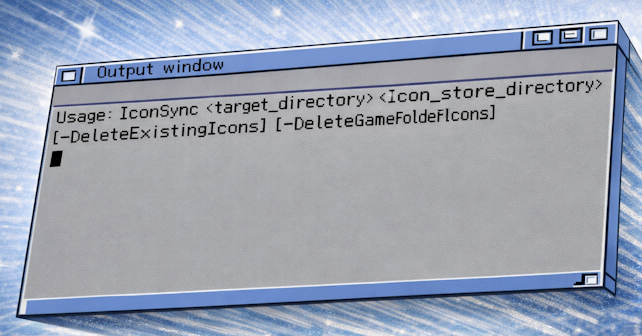
IconSync was written to deal with a common follow-on problem after extracting large WHDLoad archive collections: folders may be missing icons, or they may have icons that do not match the user's preferred Workbench colour scheme. The tool copies icons from a user-supplied icon set into a target folder tree and can also tidy up existing folder icons in specific ways.
It is especially useful after running WHDArchiveExtractor, but it can also be used on any folder structure.
What Problem It Solves
After archive extraction, folder trees often look visually inconsistent. Some folders may have no icons, others may have icons from different themes, and game folders may keep their own individual look when the user wants a more uniform presentation. IconSync automates applying a consistent icon set to those folders.
Key Features
- Uses a user-supplied icon set rather than a built-in theme.
- Supports A.info to Z.info and 0.info for numbered folders.
- Supports specific named icons such as Games.info and Demos.info.
- Falls back to Blank.info when no direct match exists.
- Can optionally delete and replace existing matching icons.
- Can optionally replace game-folder icons for folders containing .slave files.
- Skips changing WHDLoad game-folder styling unless told to replace it.
Documentation
The readme explains the expected source icon set, the optional flags, and the practical caveats around snapshot state in the source icons.
Typical Use
A user prepares a folder containing a custom set of drawer icons, then runs IconSync against an extracted WHDLoad folder tree. The program matches folders by name or by initial letter and copies the appropriate icons into place.